Capture Anywhere

Turn your voice into perfectly written notes, emails, and lists right from your phone. Just talk, and AI does the rest.

01

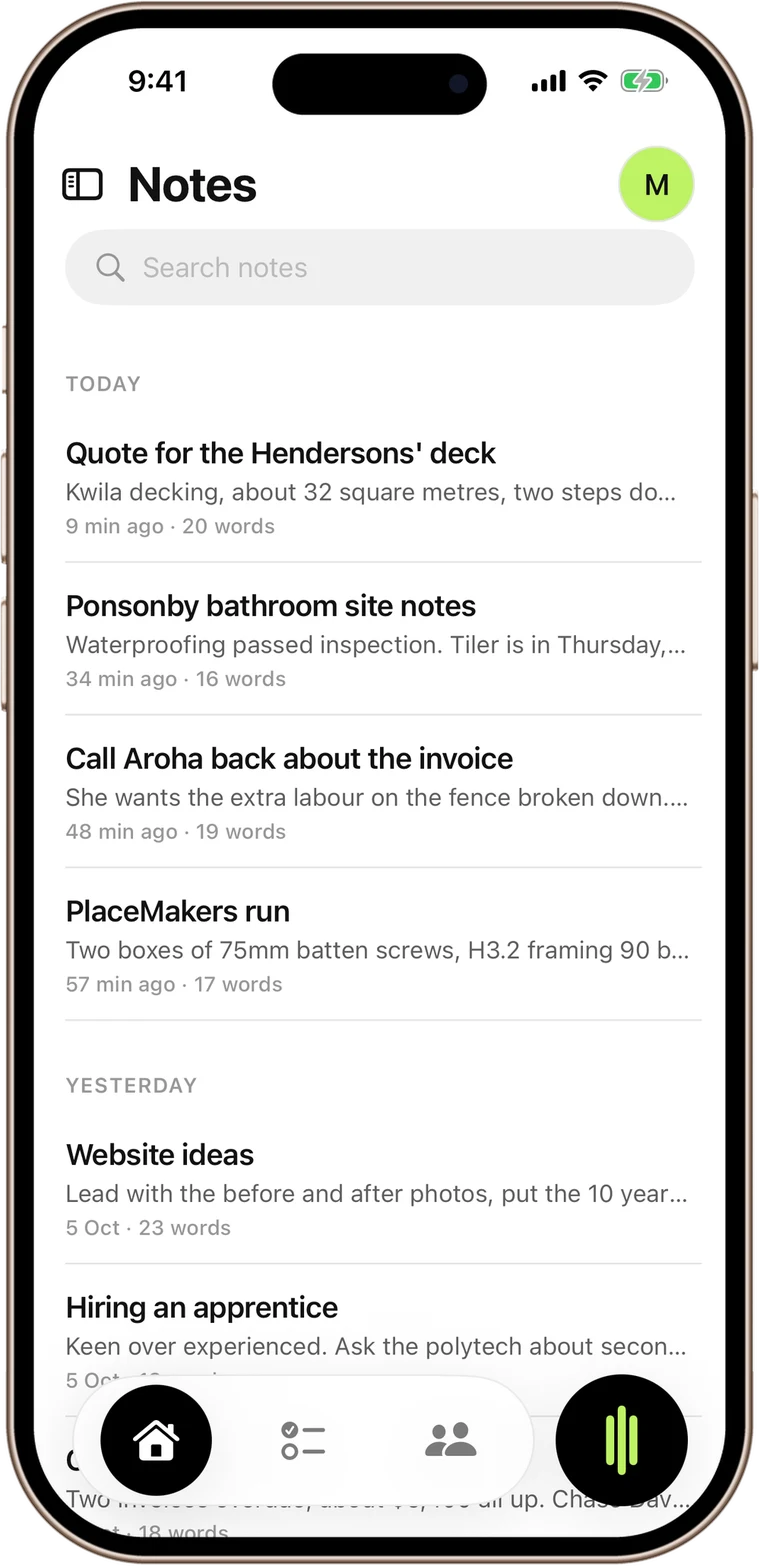
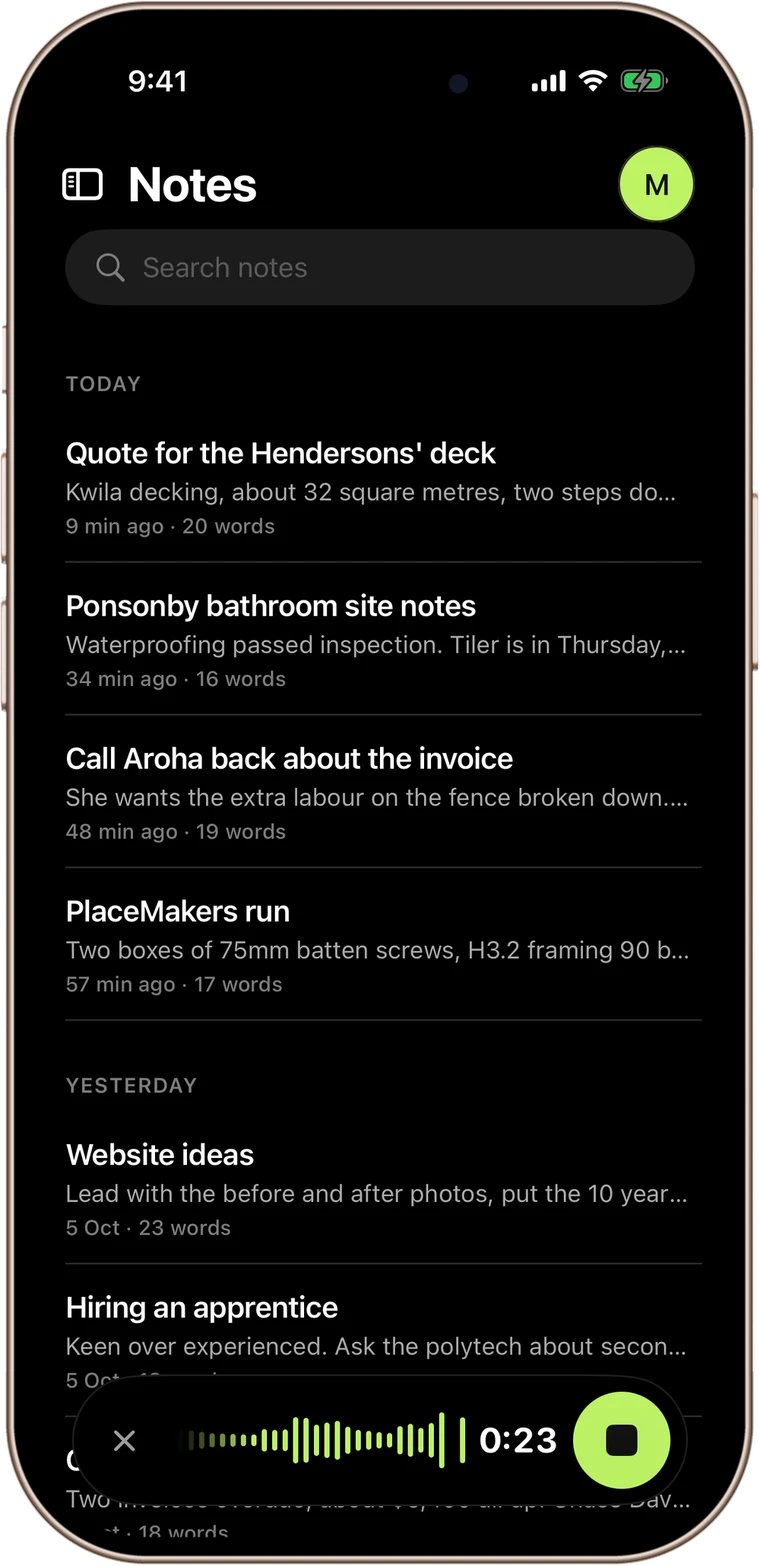
One-Tap Recording

Open the app, tap record, and start talking. Intelligent noise cancellation works even in noisy environments. Recording continues in the background while you multitask.

SpeaktoNotes notes screen
02

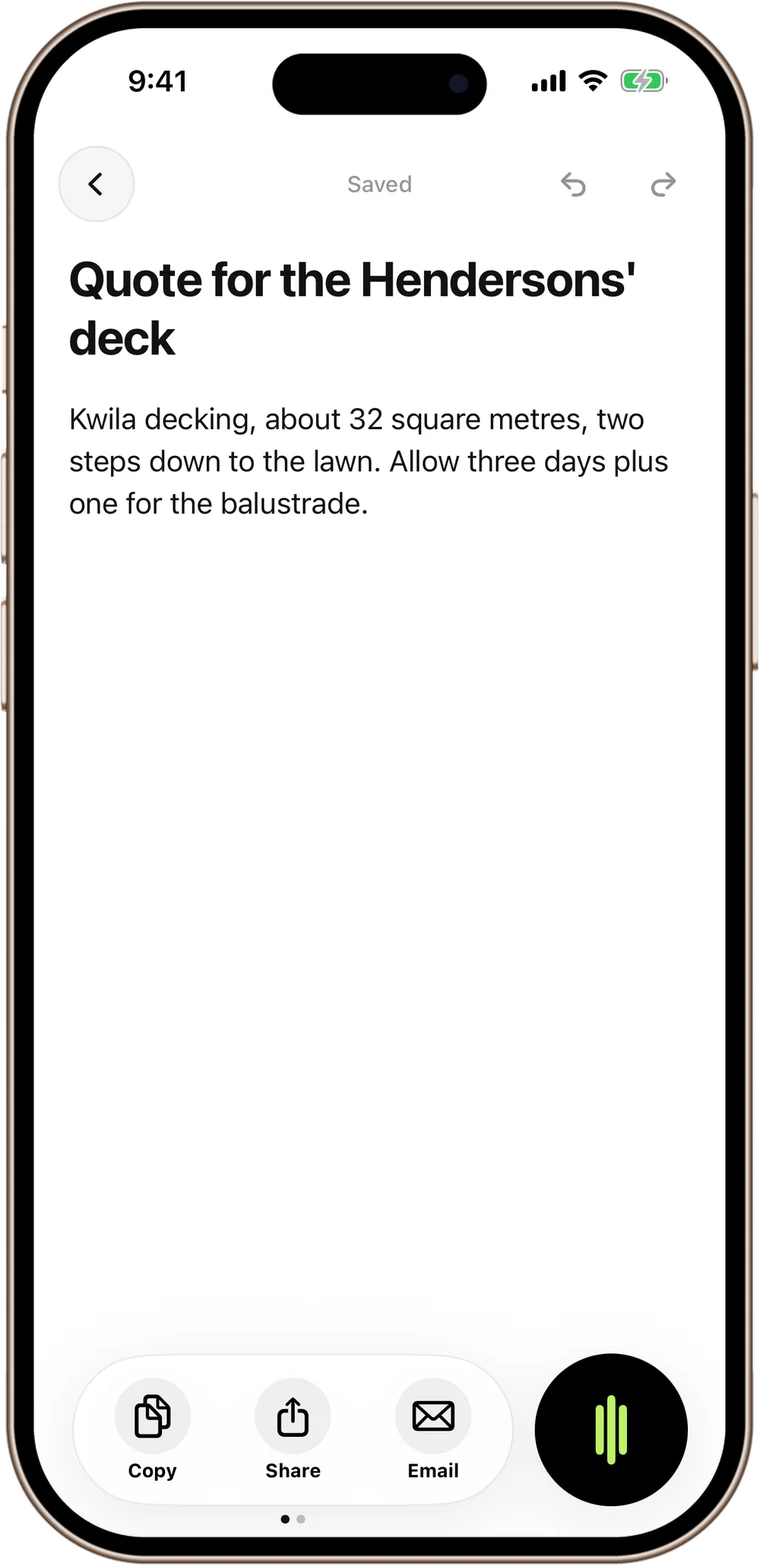
Smart Templates

Six Smart Templates (Email, Text, List, Note, Social, Meeting), each tuned to deliver ready-to-use output. No prompting required. Just speak and pick your format.

SpeaktoNotes Smart Templates
03

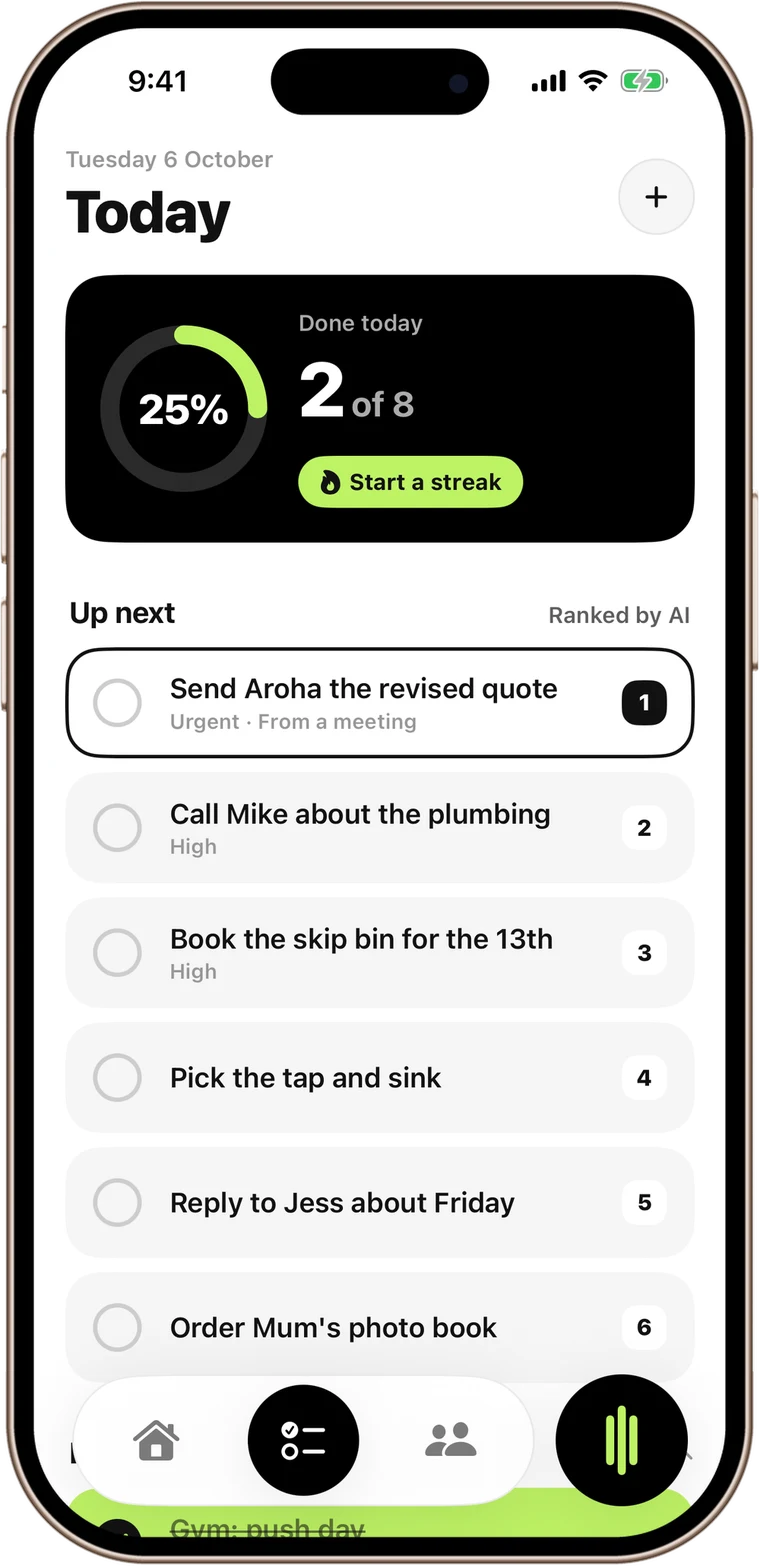
Calendar & Contact Extraction

SpeaktoNotes automatically detects dates, times, and contacts in your transcriptions and extracts them into calendar events and contact entries. A Professionals-tier feature.

SpeaktoNotes calendar and email extraction
04

7x Faster Than Writing

You speak 7 times faster than you type. SpeaktoNotes turns that speed into polished notes, emails, and reports in seconds. Stop wasting hours at a keyboard when your voice can do the work for you.

SpeaktoNotes voice to notes workflow

Mobile FAQs

Everything about using SpeaktoNotes on iPhone and Android.

Which iPhones and Android devices are supported?
SpeaktoNotes runs on iOS 16 and later and Android 10 and later. It is optimised for both iPhone and iPad, and works on most mainstream Android phones released in the last four years.
Does SpeaktoNotes work offline?
Not currently. SpeaktoNotes requires an internet connection to transcribe and process your voice recordings using our AI. We are exploring offline support for a future update.
How accurate is the transcription on mobile?
SpeaktoNotes uses best-in-class AI transcription with 99%+ accuracy across accents and languages. Intelligent noise cancellation filters out background sound, so you get clean notes even on a busy site or in a noisy cafe.
Can I record in the background while using other apps?
Yes. Recording continues seamlessly in the background on iOS and Android, so you can check messages, walk to your car, or switch between apps without losing your note.
Do my mobile notes sync with my desktop?
Yes. Every note, folder, and tag syncs across iOS, Android, Mac, and Windows with one SpeaktoNotes account. Start a note on your phone during a site visit and finish it on your Mac at the office.

SpeaktoNotes

Voice to polished notes

Download Free