Tradies

Built for the Job Site

Record notes between jobs, capture site details, and send updates to clients. All hands-free.

The Problem

You finish a job, your hands are dirty, and you need to send an update to the client. Or you spot something on-site that needs noting down. By the time you clean up and pull out a keyboard, half the details are gone. Scribbled notes get lost. Voice memos sit unlistened.

The Fix

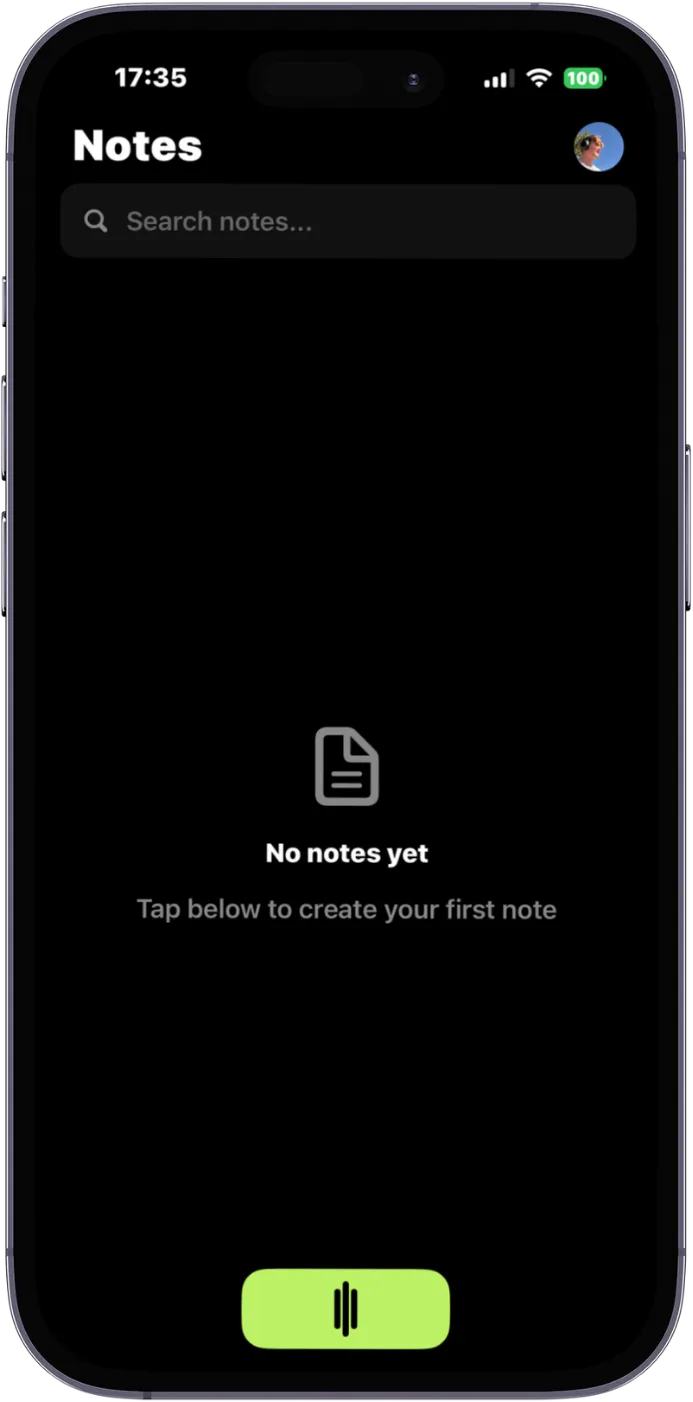
Open SpeaktoNotes, tap record, and talk. AI transcribes your words and formats them into a client update, a site report, or a task list. One tap to share via text, email, or Slack. No typing, no formatting, no clean-up required.

Before & After SpeaktoNotes

Before

"hey mate yeah so the plumbing under the kitchen sink was leaking pretty bad, replaced the p-trap and the flexi hose, also noticed the hot water valve is a bit dodgy might need replacing soon, oh and the dishwasher drain needs a new clamp..."

Raw voice memo. Unstructured. Unsendable.

After

Site Report - Kitchen Plumbing

Completed: Replaced P-trap and flexi hose under kitchen sink (leak resolved).

Flagged: Hot water valve showing wear. Recommend replacement at next visit.

Additional: Dishwasher drain clamp needs replacing.

Ready to send. Professional. 30 seconds.

How Tradies Use SpeaktoNotes

Client Updates

Speak a quick update after each job. AI formats it into a professional message ready to send.

Site Reports

Walk through a site and describe what you see. Get a structured report with all the details.

Quote Details

Record measurements, materials, and scope on the spot. No forgetting details back at the office.

Team Briefings

Record instructions for your crew. Share a clear, written brief instead of playing phone tag.

Safety Notes

Document hazards and incidents immediately. AI structures it into a proper safety record.

Invoice Notes

Capture what was done, hours worked, and materials used. Ready to attach to your invoice.

Frequently Asked Questions

Does it work in noisy environments like construction sites?
Yes. SpeaktoNotes uses advanced noise filtering powered by best-in-class AI. It handles background noise from tools, traffic, and wind well. For best results, speak clearly and hold the phone within arm's length.
Can I use it with dirty or gloved hands?
Absolutely. You can start recording with a single tap or use voice activation. The interface is designed for one-handed, minimal-touch use.
Does it work without internet on remote job sites?
You can record offline and SpeaktoNotes will queue the recording for processing when you are back in range. Your audio is saved locally until it syncs.
Can I share notes directly with clients?
Yes. Once your note is processed, you can share it via email, text, or any messaging app with one tap. The output is formatted and professional.
How is this different from just using voice memos?
Voice memos give you raw audio that nobody listens to. SpeaktoNotes gives you structured, formatted text ready to send, file, or act on. It is the difference between a recording and a document.

Stop Typing. Start Talking.

Join tradies across Australia and New Zealand who are saving hours every week with voice-first workflows.

Download SpeaktoNotes Free

SpeaktoNotes

Voice to polished notes

Download Free